
M-Tag ID Check by Vehicle Number and CNIC Online in 2026
Check your M-Tag ID by vehicle number or CNIC, see your balance by SMS to 9909, and fix a tag that is not registered on your CNIC. Every method in one guide.
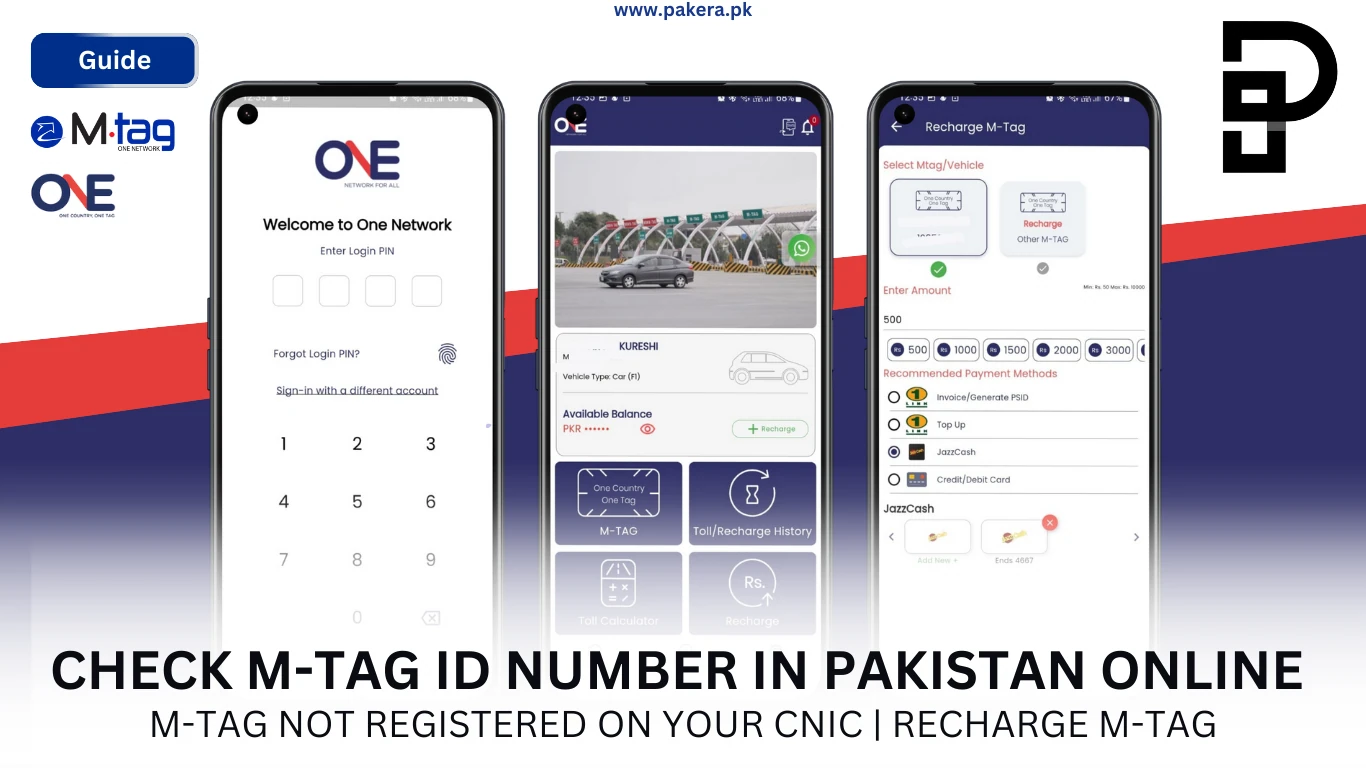
The barrier at the toll plaza does not lift and there is a queue of eleven cars behind you. Somewhere in the system your M-Tag exists, but you cannot tell the operator its ID number because you have never seen it. An M-Tag ID check takes about thirty seconds if you know where to look, and most drivers only find that out the hard way.
M-Tag is now the default way to pay tolls across the motorway network operated under the National Highway Authority, with the 1313 helpline sitting behind it. The problem is rarely the tag itself. It is that the tag was registered by a dealer, a relative or a previous owner, and the account is not in your name.
Three checks solve almost every version of this: an mtag id check by vehicle number, one by CNIC, and one through the One Network app.
How do you do an M-Tag ID check by vehicle number?
Call 1313 and give the operator your vehicle registration number. They can read back the M-Tag ID attached to that vehicle, its account status and its balance. Any M-Tag centre will do the same across the counter with your registration book.
Have the registration number exactly as printed, including the city code and any spacing. Operators search on the string as recorded, and a mismatch returns nothing even when the tag exists.
- Dial 1313 from any phone.
- Ask for M-Tag account details and give the vehicle registration number.
- Confirm the vehicle make and model when asked, as a second identity check.
- Write down the M-Tag ID they read back and store it in your phone.
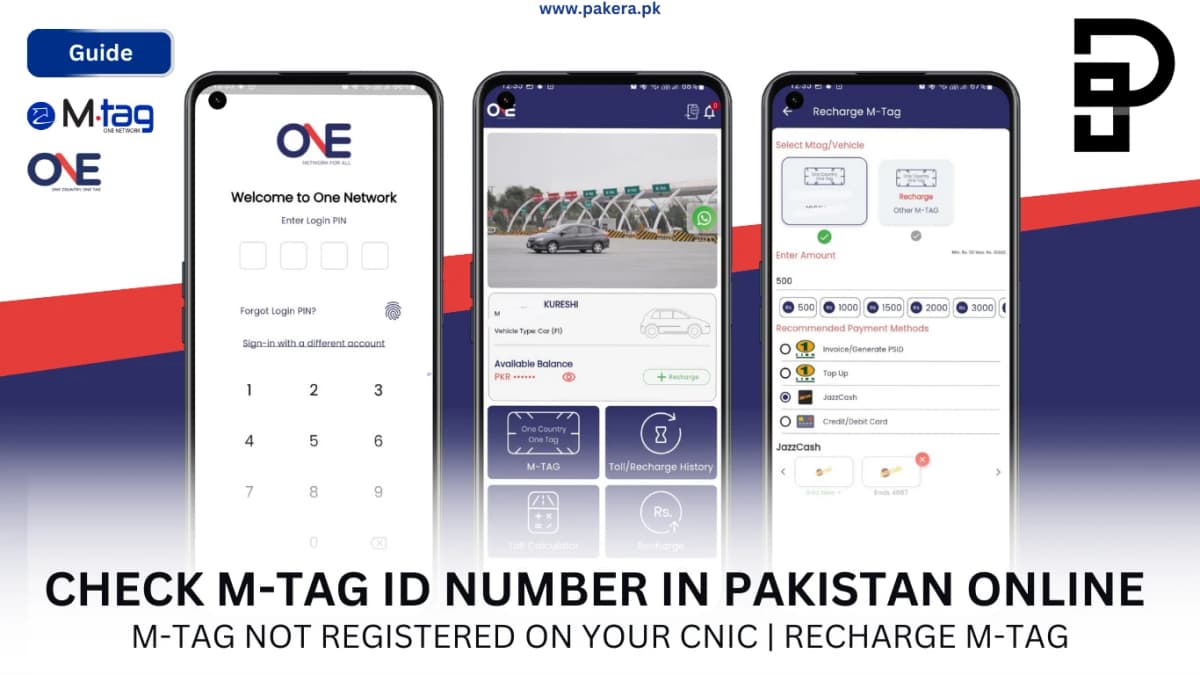
How do you check an M-Tag ID by CNIC online?
Send an SMS reading Mtag followed by a space and your CNIC number to 9909. The reply lists the tags registered against that CNIC with their account status and balance. It works from any network and costs standard SMS rates.
This is the fastest method when the tag is genuinely in your name. It is also the method that tells you, in one message, that it is not.
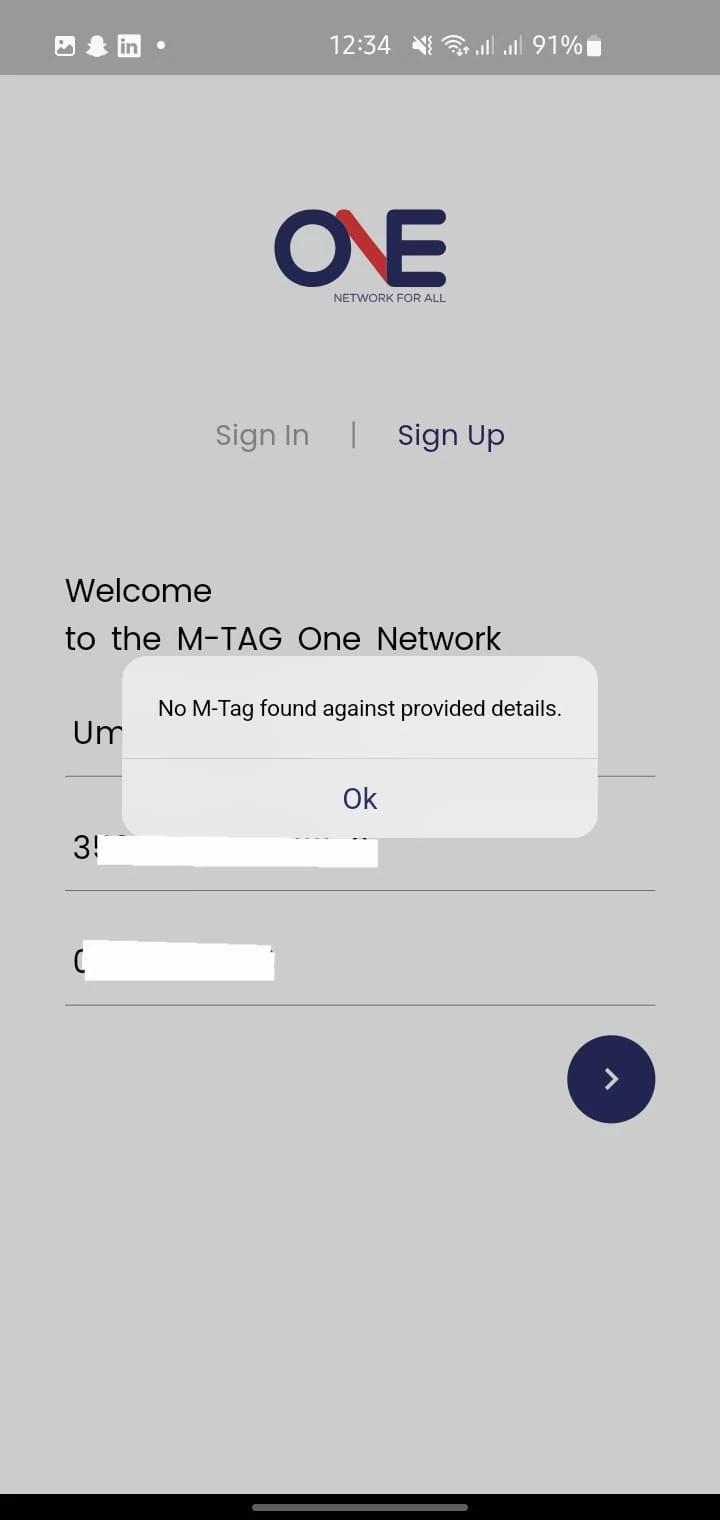
An empty reply means no M-Tag is linked to that CNIC. That is not a system error. It usually means the tag was registered under someone else, which is the situation the next section deals with.
What do you do if your M-Tag is not registered on your CNIC?
Get it transferred. Take your CNIC, the vehicle registration book and the tag itself to an M-Tag centre and request an ownership transfer. Until that is done, you cannot recharge online, check the balance by SMS, or dispute a wrong deduction.
This is the single most common M-Tag problem in Pakistan and it has one cause: tags fitted at the point of vehicle sale stay in the seller's or dealer's name.
What to bring to the transfer
- Original CNIC and a photocopy.
- Vehicle registration book in your name.
- The vehicle itself, since the tag is scanned on the windscreen.
- Previous owner's details if you have them, which speeds up the record match.
Sort it before you need it. Discovering the tag is in a stranger's name while a barrier stays down is a worse time to find out than a quiet Tuesday at a service centre.
How do you check your M-Tag balance?
Three ways: SMS Mtag and your CNIC to 9909, open the One Network app where the balance sits on the dashboard, or call 1313 and ask. The app is the only one that also shows a transaction history.
| Method | What you need | Shows balance | Shows history |
|---|---|---|---|
| SMS to 9909 | CNIC linked to the tag | Yes | No |
| One Network app | Smartphone and internet | Yes | Yes |
| 1313 helpline | Vehicle number or CNIC | Yes | Recent only |
| M-Tag centre | CNIC and registration book | Yes | Yes |
| Toll plaza beep | Nothing | Pass or fail only | No |
That last row is worth knowing. A green beep at the barrier means the tag is active and has enough balance for that crossing. It tells you nothing about whether you can afford the return trip.
How do you check your M-Tag ID in the One Network app?
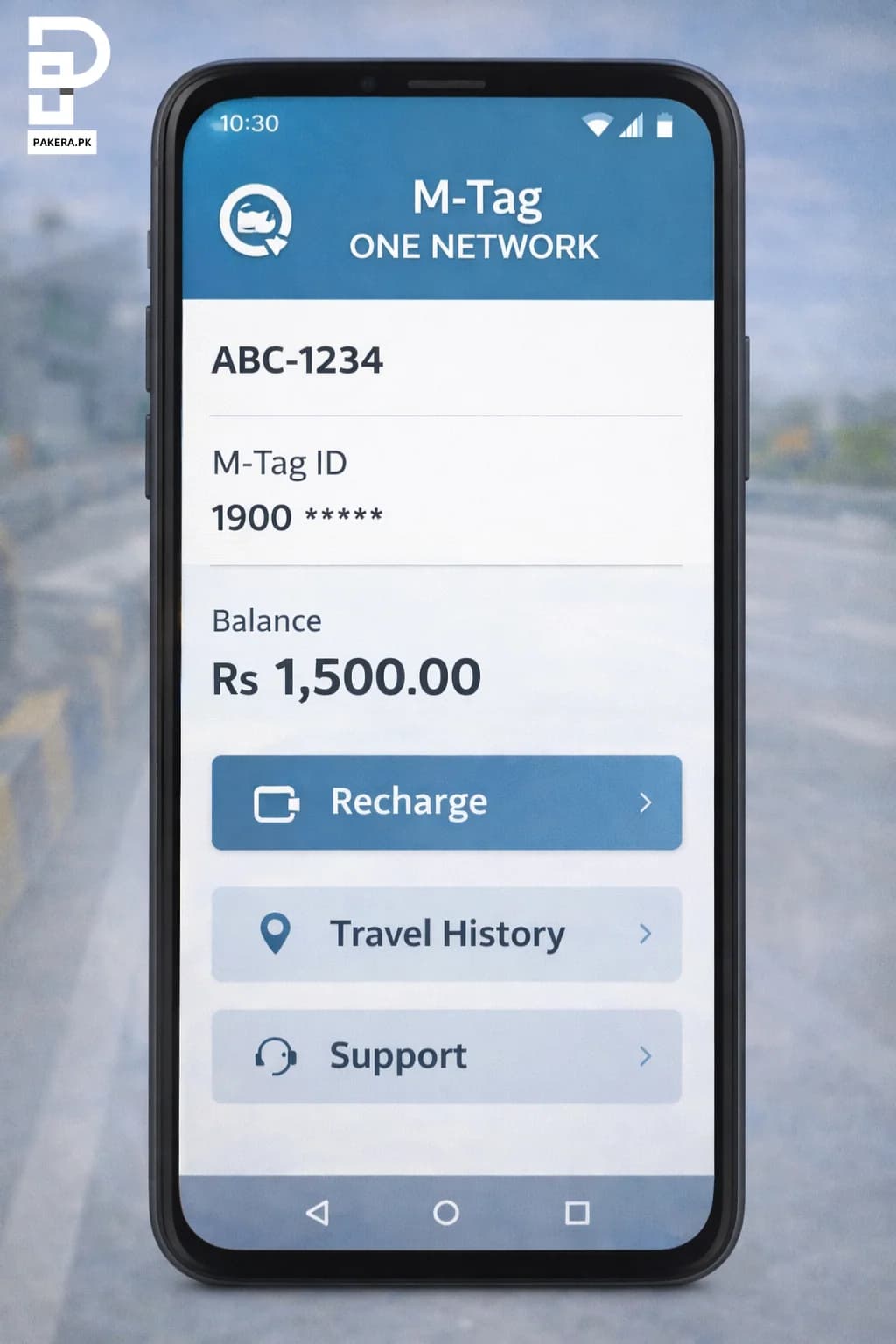
Install the One Network app, register with the mobile number linked to the tag, and your M-Tag ID appears on the dashboard alongside the balance. It is the only method that works without remembering either the CNIC on file or the vehicle number.
- Download the M-Tag One Network app from the Play Store or App Store.
- Register using the mobile number tied to the M-Tag account.
- Enter the OTP sent to that number.
- Open the dashboard. The tag ID, vehicle and balance are listed together.
- Tap the account to see recent toll deductions with dates and plaza names.
If the OTP never arrives, the registered number is not the one in your hand. Call 1313 to get the number on the account updated before trying again.
How do you recharge an M-Tag once you have the ID?
Top up through the One Network app, a bank app, Easypaisa, JazzCash or at any M-Tag counter. You need the M-Tag ID number for every online route, which is exactly why finding it matters before your balance runs low.
Keep a buffer. A tag with Rs 50 on it fails at a plaza charging Rs 60, and the queue does not care that the account technically has money in it.
Our full guide on recharging M-Tag online walks through each payment app with screenshots, and getting an M-Tag covers first-time registration if you do not have one yet.
Why is your M-Tag not working at the toll plaza?
Usually one of four things: insufficient balance, a tag registered to someone else, a damaged or badly placed sticker, or a vehicle number mismatch after a transfer. The operator's screen will tell you which, if you ask.
- Red beep, barrier down: balance too low. Recharge and try again.
- No beep at all: the reader cannot see the tag. Check the sticker is on the windscreen, unobstructed by tint film or a sunshade.
- Barrier opens but wrong amount deducted: vehicle class recorded incorrectly. Report it at 1313 with the plaza name and time.
- Tag reads but account is blocked: an unpaid challan or a failed ownership transfer. Visit a centre with your documents.
Toll disputes are resolvable but only with detail. Note the plaza, the lane number, the time and the amount before you leave.
Do you need a separate M-Tag for each vehicle?
Yes. Each tag is bonded to one windscreen and one registration number. A single CNIC can hold several tags, and the app lists them all, but moving a sticker between cars does not move the account.
People try it. The reader logs the wrong vehicle class, the deduction is wrong, and sorting it out costs more time than a second tag would have.
Multiple vehicles on one CNIC is the sensible setup for a family: one login, one balance to watch, every car covered.
Paying for tolls is only one of the digital account chores that trips people up. Our guide to the M-Tag 1313 helpline covers what the operators can and cannot do for you, and checking what is registered on your CNIC is worth doing at the same time as an mtag id check.
Frequently asked questions about M-Tag ID checks
How can I check my M-Tag ID online?
Send Mtag followed by your CNIC number to 9909, or open the One Network app where the tag ID sits on the dashboard. Calling 1313 with your vehicle number works too.
How do I check my M-Tag by vehicle number?
Call 1313 and give the operator the vehicle registration number. They will read back the linked M-Tag ID, its status and balance after confirming the vehicle details.
What is the M-Tag balance check number?
Text Mtag and your CNIC to 9909 for an instant reply, or call the 1313 helpline. Both work from any network in Pakistan.
Why does my CNIC show no M-Tag?
The tag is registered to someone else, usually a dealer or the previous owner of the vehicle. Take your CNIC and registration book to an M-Tag centre to transfer it.
Can I check M-Tag balance without the app?
Yes. The SMS to 9909 needs no smartphone or internet, and the 1313 helpline works from any phone including a landline.
Is there a charge for checking M-Tag details?
No. The SMS costs standard message rates from your operator, and the helpline and app checks are free.
Can one CNIC hold more than one M-Tag?
Yes. You can register a separate tag for each vehicle you own under the same CNIC, and the One Network app shows them all in one place.
About the author

Administrator
Umer Kureshi is the Lead Administrator with a strong background in technology and digital marketing. As the Lead Administrator, and Writer at Pakera.pk, Umer manages the website operations, optimizes website content and writes engaging guides on technology and current events happening in Pakistan.



