
How to Check Telenor 4G Device Data Easily
Check remaining data on your Telenor 4G device using browser or app. Quick steps to view MBs anytime.
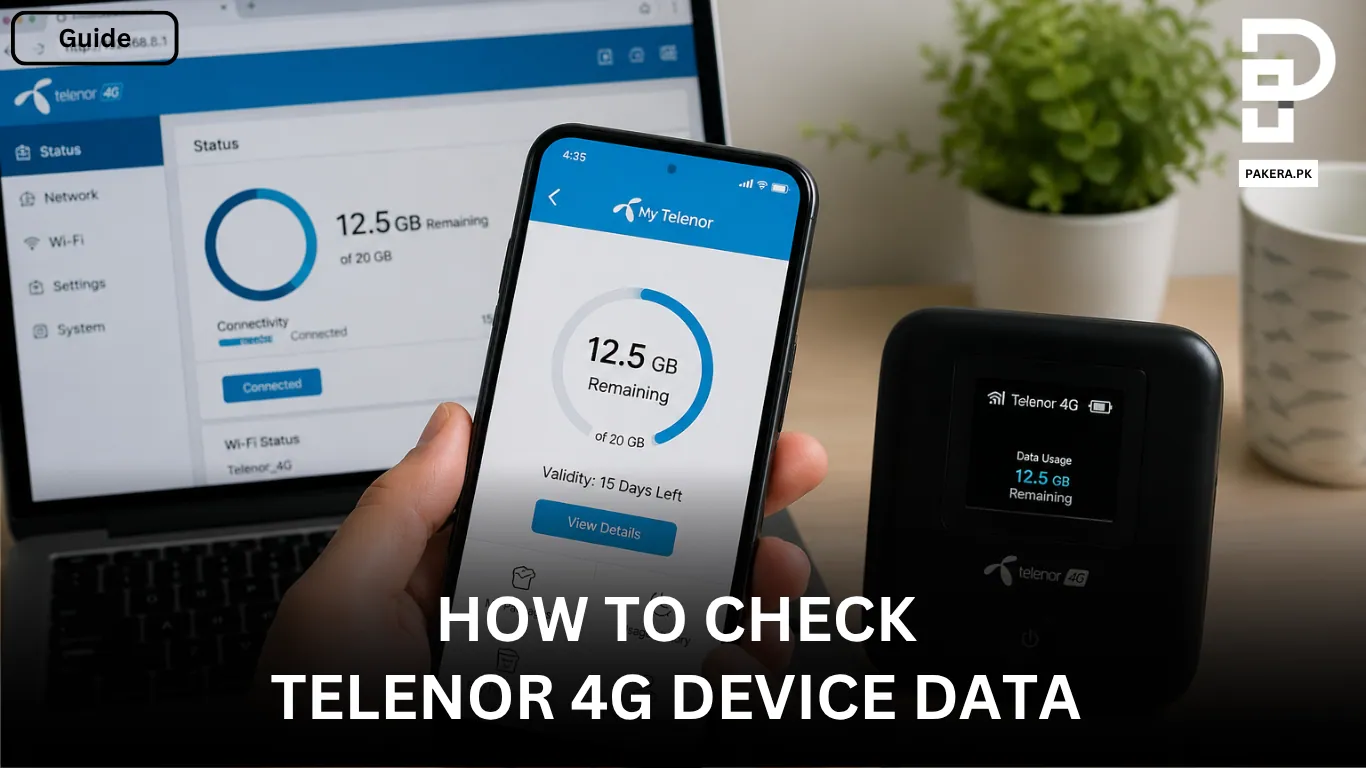
After choosing a package or loading up your Telenor device, one thing always comes to mind: how much data have I used, and how much is still remaining? It’s a common situation. You’re browsing, streaming, or working, and suddenly you’re unsure if your data is about to run out.
The good news is that checking your remaining data on a Telenor 4G device is actually very simple. You don’t need any technical skills or complicated steps. Once you know the process, it takes less than a minute.
Checking Telenor 4G Device Data Through Browser
One of the easiest ways to check your remaining MBs is through your device’s web portal. This method works directly from your browser and doesn’t require installing anything.
Accessing the Device Portal
First, make sure the device you’re using (mobile, laptop, or tablet) is connected to your Telenor 4G device. Without this connection, the portal won’t open.
Once connected, open your browser and type this address:
http://192.168.8.1
This will take you to the login page of your device.
Logging In and Viewing Data
Now, enter the username and password. These details are usually written on the back of your Telenor device, so you don’t need to remember anything complicated.
After logging in, the dashboard will open. Here, you’ll immediately see your remaining data, along with other useful details like usage and connection status. It’s straightforward and gives you everything in one place.
Checking Telenor 4G Device Data Using the App
If you prefer a more convenient and mobile-friendly option, the My Telenor App is a great choice. It keeps everything accessible without needing to open a browser every time.
Getting Started with the App
Start by downloading the My Telenor App from your phone’s app store. Once installed, open the app and log in using the same username and password provided on your device.
Viewing Your Remaining MBs
After logging in, the main dashboard will appear. This screen shows your remaining data clearly, along with your package details and usage. It’s designed to be simple, so you can check your balance quickly anytime.
Why It’s Important to Check Your Data Regularly
Keeping an eye on your remaining data helps you avoid unexpected interruptions. Nobody likes their internet stopping in the middle of something important.
When you check your usage regularly, you can:
- Manage your data more efficiently
- Avoid running out at the wrong time
- Decide when to recharge or upgrade your package
It’s a small habit that makes a big difference.
Frequently Asked Questions
How can I check Telenor 4G device remaining MBs?
What is the default username and password for Telenor 4G devices?
Can I check Telenor device data without the internet?
Is the My Telenor App free to use?
Conclusion
Checking your Telenor 4G device data isn’t complicated at all once you know where to look. Whether you use the browser method or the My Telenor App, both options are quick and reliable.
Once you get into the habit of checking your remaining MBs regularly, you’ll always stay in control of your internet usage and avoid any surprises.
About the author

Author
Shahid joined us in 2024 as an author. He is a senior contributor to Pakistan's leading technology websites. He writes detailed articles, mostly covering his expertise in the latest tech, mobiles, apps, gadgets, and step-by-step guides. His ideology is to help people understand the latest trends and explain complex methods through very easy-to-understand guides.



