
How to Check Telenor Remaining Internet
Check your Telenor remaining internet using *999# or the app. Quick steps to see your MBs anytime. Try it now.
When you activate an internet package on Telenor, one common problem is not knowing how much data you have left. It happens a lot your internet suddenly stops working, and you realize your MBs are finished without any warning.
To avoid this situation, it’s important to know how to check your remaining internet regularly. Luckily, Telenor makes it simple, and there are a couple of easy ways you can do it anytime.
Check Remaining Internet Using USSD Code
The fastest and most direct way to check your remaining MBs is through a simple dial code. You don’t need internet for this method, so it works even when your data is almost finished.
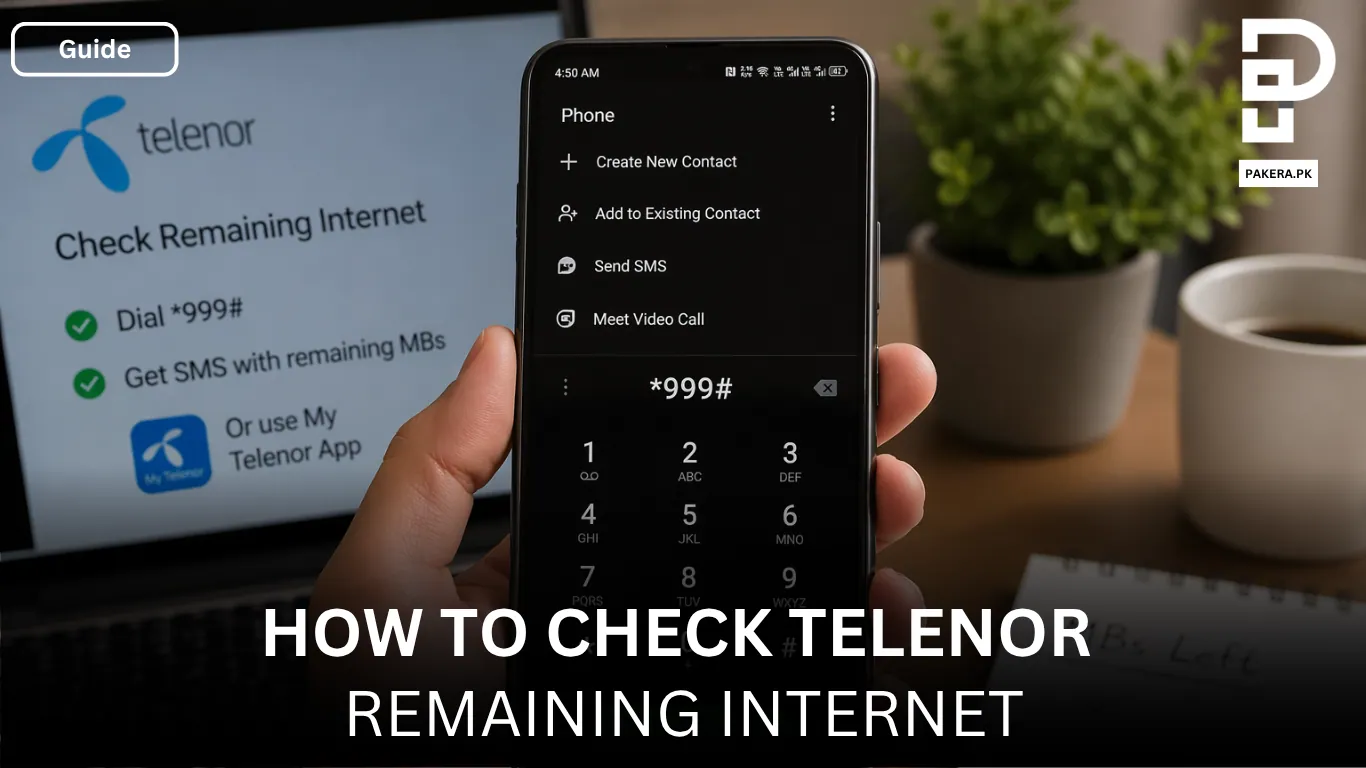
Start by opening your phone’s dial pad. Dial *999# and press the call button. After a few seconds, you will receive a message from Telenor showing your remaining internet data.
This method is quick and reliable, but keep in mind that it costs around Rs. 0.24 per request. It’s a small charge, but something to remember if you check frequently.
Check Remaining Internet Using My Telenor App
Another convenient way is by using the My Telenor App. This option is more visual and gives you a complete overview of your usage.
First, download the app from your app store. Once installed, register by entering your Telenor number and completing the required details. After logging in, you’ll be able to see your remaining MBs directly on the app’s main screen.
Why Use the App?
The app is not just for checking internet. It also helps you manage your packages, track usage, and even subscribe to new offers without dialing codes. If you regularly use mobile data, this method feels more convenient and detailed.
Which Method Should You Use?
Both methods work well, but the choice depends on your situation.
If you want something quick and don’t have internet access, the dial code is the best option. On the other hand, if you prefer a more detailed view and already have data or Wi-Fi, the app is a better experience.
Frequently Asked Questions
How can I check Telenor remaining MBs for free?
What is the code to check Telenor internet?
Why is my Telenor data finishing quickly?
Can I check Telenor internet without balance?
Conclusion
Keeping track of your remaining internet on Telenor is simple once you know the right methods. Whether you use the quick dial code or the My Telenor App, both options make it easy to stay updated and avoid unexpected data loss.
Make it a habit to check your MBs regularly, and you’ll have better control over your internet usage without any surprises.
About the author

Author
Shahid joined us in 2024 as an author. He is a senior contributor to Pakistan's leading technology websites. He writes detailed articles, mostly covering his expertise in the latest tech, mobiles, apps, gadgets, and step-by-step guides. His ideology is to help people understand the latest trends and explain complex methods through very easy-to-understand guides.



