
How to Check Remaining Ufone MBs, Minutes, and SMS
Dial *706# or use My Ufone App to check remaining MBs, minutes & SMS instantly. Stay updated on your package and avoid running out. Use code now.
Introduction
If you’re using Ufone, one of the most important things you need to stay on top of is your remaining MBs, call minutes, and SMS. Running out of balance unexpectedly can be frustrating, especially when you’re in the middle of something important like browsing, calling, or texting.
The good thing is that Ufone makes it very easy to check your remaining resources. You don’t need any technical knowledge or complicated steps. Whether you prefer the simple offline method or using a smartphone app, you can quickly find out how much data, minutes, and SMS you still have left in your package.
In this guide, I’ll walk you through both methods so you can choose whatever works best for you.
Offline Method to Check Ufone MBs, Minutes, and SMS
The fastest and most commonly used method is the USSD code. It works on every phone, even without internet access.
Using the USSD Code
To check your remaining bundle details:
Dial *706# from your Ufone SIM.
After dialing, a menu or instant message will appear on your screen showing your remaining:
- Internet MBs
- Call minutes
- SMS balance
This method is very useful because it works anytime, anywhere, even if you don’t have mobile data or Wi-Fi.
It’s basically the quickest way to get a full snapshot of your remaining Ufone package.
Online Method Using the Ufone App
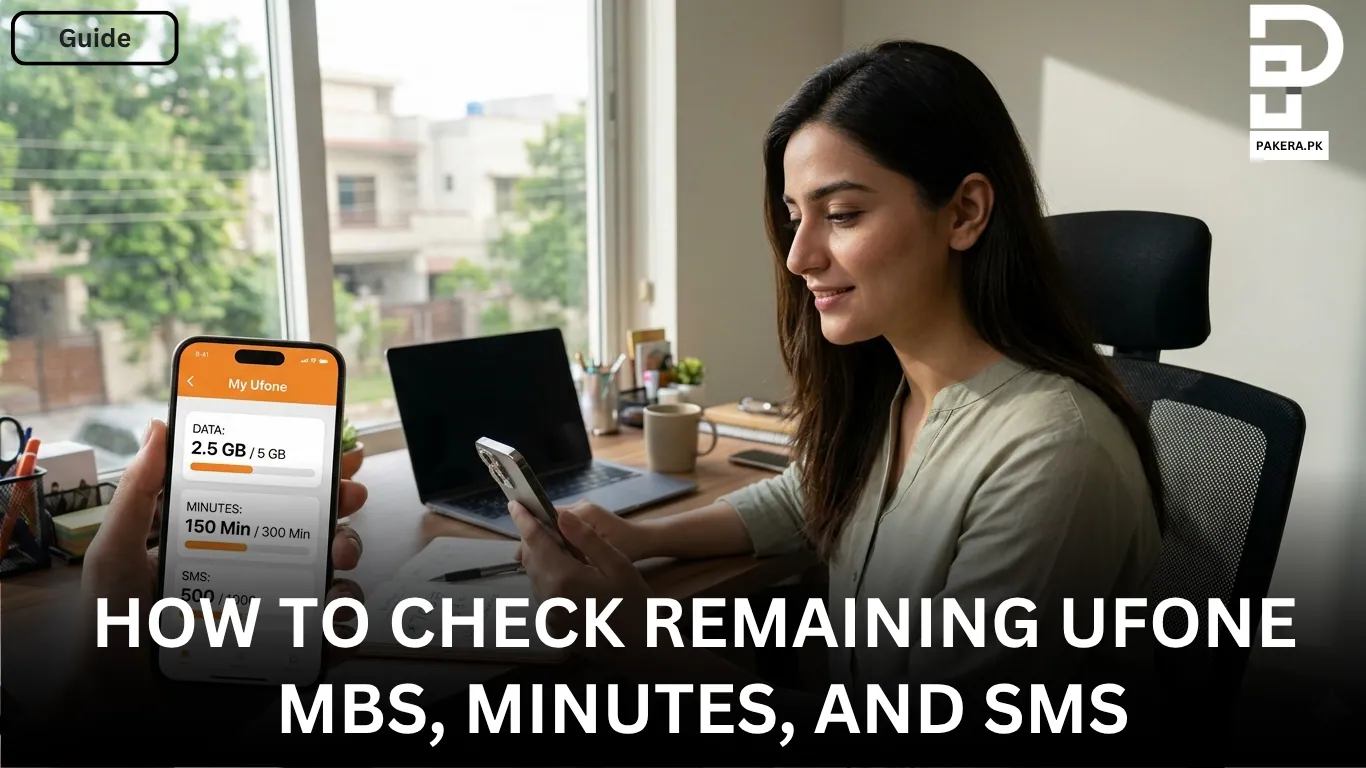
If you have a smartphone and prefer a more detailed view, the Ufone app is a better option.
How to Check Using the App
First, download the official “My Ufone App” from your app store. After that:
- Open the app and log in or sign up using your Ufone number
- Go to the main dashboard or account portal
- You will see all your remaining resources displayed clearly
Inside the app, you can view:
- Remaining internet MBs
- Call minutes
- SMS bundles
- Active package details
This method is more user-friendly and gives you a complete overview of your usage in one place. It’s especially helpful if you frequently subscribe to different bundles and want to track everything properly.
Which Method is Better?
Both methods are useful, but it depends on your situation.
If you want something quick and simple, the USSD code (*706#) is the best option. It works instantly without internet.
If you want detailed information and better tracking, the Ufone app is more convenient. It gives you a complete dashboard of your usage and active packages.
Frequently Asked Questions
How can I check my Ufone remaining MBs?
Does *706# work without internet?
Can I check minutes and SMS using the same method?
Is the Ufone app free to use?
What should I do if the code is not working?
Conclusion
Checking your remaining Ufone MBs, minutes, and SMS is very simple and can be done in just a few seconds. Whether you use the quick USSD code *706# or the detailed My Ufone App, both methods help you stay updated on your balance and avoid unexpected interruptions.
About the author

Author
Shahid joined us in 2024 as an author. He is a senior contributor to Pakistan's leading technology websites. He writes detailed articles, mostly covering his expertise in the latest tech, mobiles, apps, gadgets, and step-by-step guides. His ideology is to help people understand the latest trends and explain complex methods through very easy-to-understand guides.



