
How to Check Internet Speed on Zong Mobile Network
Check your Zong internet speed using trusted speed test tools. Measure download, upload, and ping in seconds. Test your connection now.
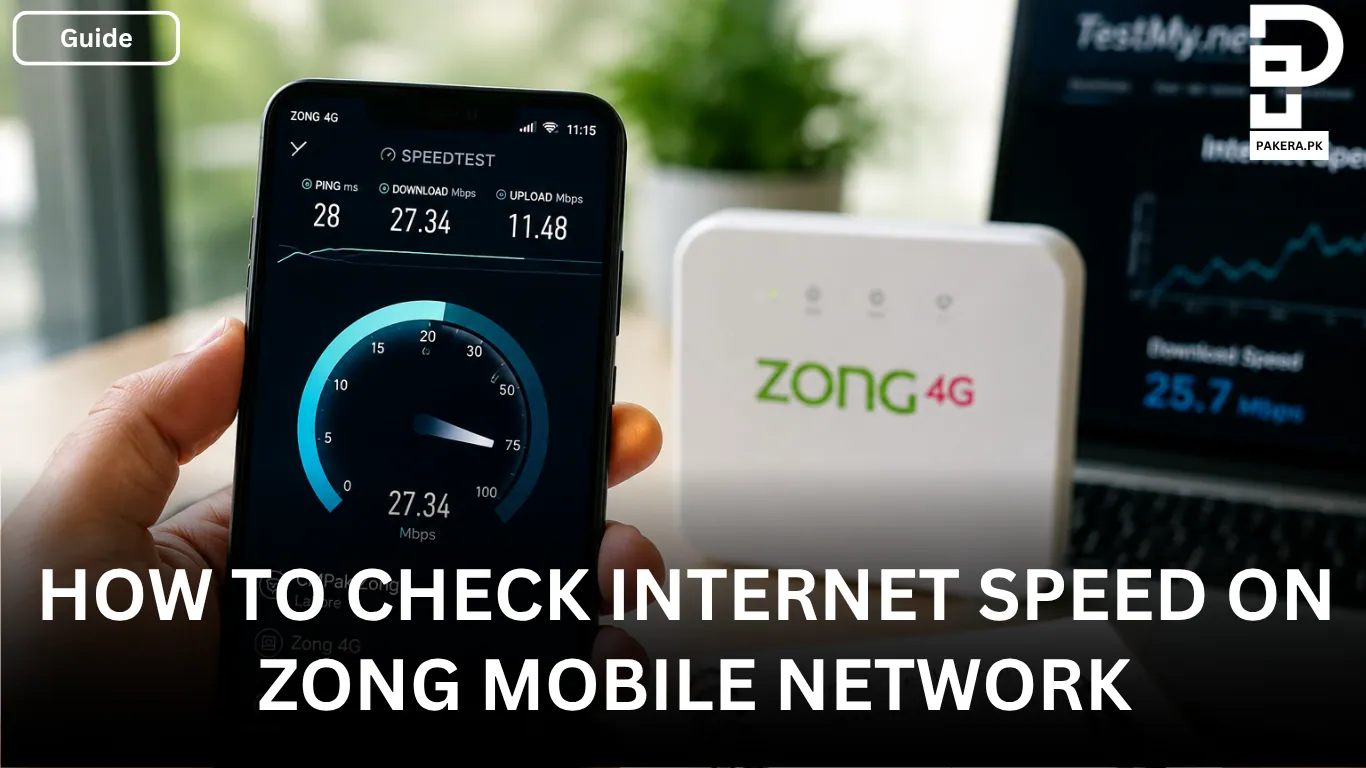
A slow internet connection can make everything frustrating, whether you're browsing, streaming videos, joining online meetings, or downloading files. If you're using the Zong mobile network and want to know whether your connection is performing as expected, running a speed test is the easiest way to find out.
For the most accurate results, it's always better to use independent third-party speed testing platforms instead of carrier-specific tests. These services measure your connection without favoring any particular network, giving you a clearer picture of your actual internet performance.
Best Ways to Check Zong Internet Speed
There are several reliable tools you can use to test your Zong mobile network speed. Each one measures your connection slightly differently, but all provide a good indication of how your network is performing.
Speedtest by Ookla
One of the most popular options is Speedtest by Ookla. It's available for both Android and iOS devices and measures three important aspects of your internet connection:
- Ping (latency)
- Download speed
- Upload speed
The app automatically connects to a nearby server, making it easy to check how your Zong connection is performing in just a few seconds.
TestMy.net
Another excellent option is TestMy.net, which works directly in your web browser without requiring an app.
It offers a CMPak Zong speed test that focuses on sustained internet performance instead of short burst speeds. You can also compare your results with historical averages to see whether your connection is performing above or below normal.
Fast.com
If you want a quick and simple speed check, Fast.com is a great choice.
The website immediately starts testing your download speed as soon as you open it. It's especially useful if you want a quick idea of how well your connection can handle streaming and everyday downloads.
What Is a Good Zong 4G Speed?
Internet speed varies depending on your location, signal strength, network congestion, and the device you're using.
As a general reference, Zong 4G download speeds in urban areas such as Lahore typically range between 20 and 35 Mbps under normal network conditions.
Your results may be higher or lower depending on factors like:
- Signal strength
- Time of day
- Nearby network traffic
- Device capability
- Indoor or outdoor coverage
What to Do If Your Zong Internet Is Slow
If your speed test shows lower-than-expected results or your connection feels slow, it helps to gather a few details before troubleshooting.
The most useful information includes:
- Your current location
- Signal strength
- The device you're using, such as a smartphone or a Zong Mobile Broadband (MBB) device
These details can make it easier to identify whether the issue is related to network coverage, device settings, or local congestion.
Frequently Asked Questions
How can I check my Zong internet speed?
Which speed test is most accurate for Zong?
What is a normal Zong 4G download speed?
Why is my Zong internet slow?
Conclusion
Checking your Zong internet speed is simple when you use trusted third-party testing platforms. Whether you choose Speedtest by Ookla, TestMy.net, or Fast.com, you'll get a better understanding of your network's download speed, upload speed, and overall performance. If your results seem lower than expected, checking your location, signal strength, and device can help identify what might be affecting your connection.
About the author

Author
Shahid joined us in 2024 as an author. He is a senior contributor to Pakistan's leading technology websites. He writes detailed articles, mostly covering his expertise in the latest tech, mobiles, apps, gadgets, and step-by-step guides. His ideology is to help people understand the latest trends and explain complex methods through very easy-to-understand guides.



