
How to Increase UPaisa Transaction Limits
Increase your UPaisa transaction limits by upgrading your wallet through biometric verification. Follow the steps and upgrade today.
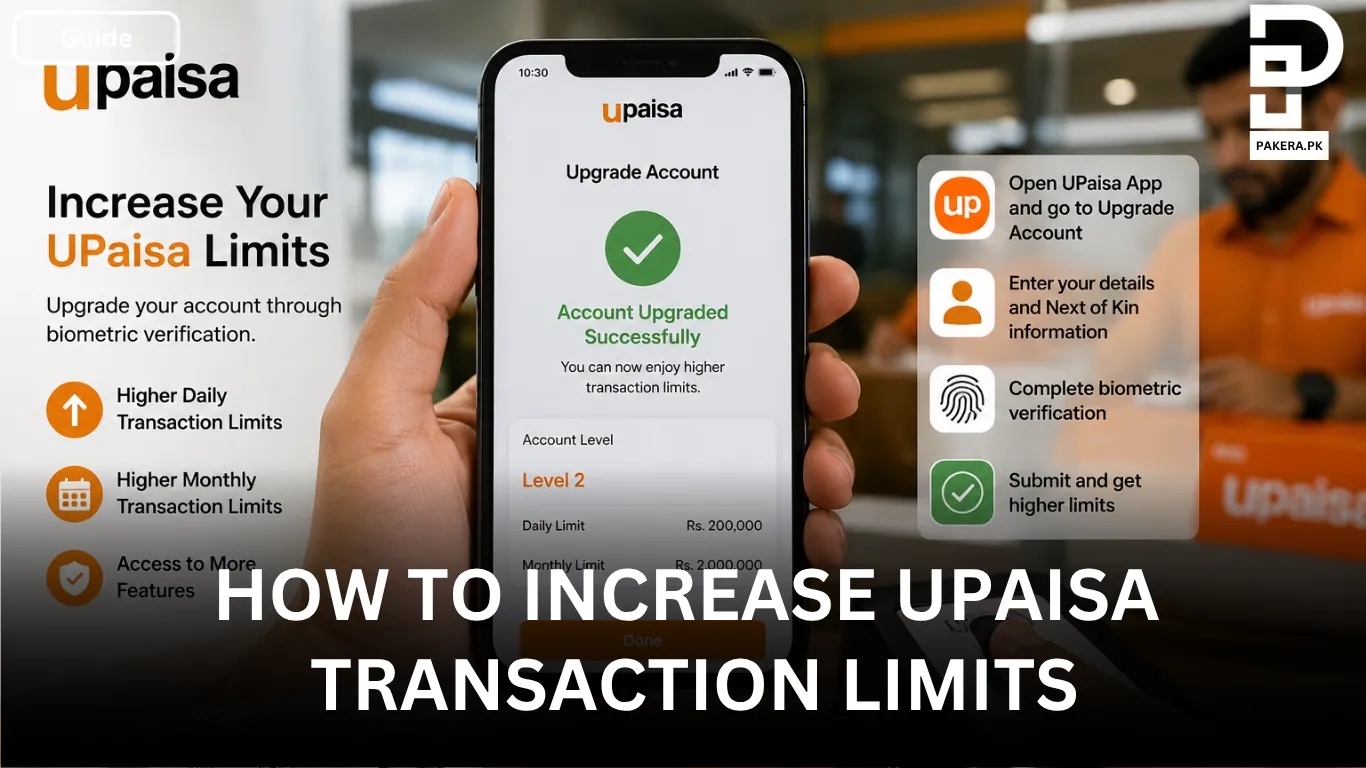
If you've reached your UPaisa transaction limit and need to send or receive more money, you'll need to upgrade your wallet. A basic UPaisa account comes with lower transaction limits, but completing biometric verification upgrades your account to a higher level, such as Level 1 or Level 2, allowing you to access higher daily and monthly limits.
The upgrade process is straightforward and can be completed either through the UPaisa app or by visiting a UPaisa agent. If you'd like a better understanding of the process and the features available after upgrading, you can also watch the official video tutorial before getting started.
Why You Need to Upgrade Your UPaisa Account
To increase your UPaisa wallet and transaction limits, biometric verification is required. Once your identity is verified, your account is upgraded from the basic level to a higher tier, giving you access to increased daily and monthly transaction limits along with additional wallet features.
Upgrade Your UPaisa Account Through the App
One of the easiest ways to upgrade your account is through the UPaisa app.
After logging in, go to your Profile or Upgrade Account section. You'll be asked to provide some additional information, including your occupation, source of income, and the purpose of using the account.
Next, enter your Next of Kin details, including their name, mobile number, and CNIC. After filling in the required information, complete the biometric verification by scanning your fingerprints through the app. Once everything is complete, submit your request for verification.
After your details are reviewed and verified, your account will be upgraded to a higher level, allowing you to enjoy increased transaction limits.
Upgrade Through a UPaisa Agent
If you're unable to use the app or simply prefer in-person assistance, you can visit any UPaisa agent that offers Biometric Verification System (BVS) services.
Take your original and valid CNIC with you. The agent will verify your identity by scanning your fingerprint and complete the account upgrade process on your behalf. Once the verification is successful, your wallet will be upgraded, and your transaction limits will increase according to your new account level.
Frequently Asked Questions
How can I increase my UPaisa transaction limit?
Is biometric verification required to upgrade a UPaisa account?
What documents do I need to upgrade my UPaisa account?
Can I upgrade my UPaisa account without visiting an agent?
Conclusion
Increasing your UPaisa transaction limits is a simple process that requires biometric verification. Whether you choose to upgrade through the UPaisa app or visit a UPaisa agent with BVS support, completing the verification will move your account to a higher level, giving you access to higher daily and monthly transaction limits.
About the author

Author
Ali Akhtar is a young and curious voice here at Pakistan Era. He is currently pursuing his A-Levels and has a growing interest in Pakistan’s changing industrial landscape and educational trends. Ali likes to write in a way that helps him explain and explore the world around him. His writing reflects the perspective of the new generation navigating the evolving trends of Pakistan where technology, youth innovation, and shifting opportunities are reshaping the country’s future.



