
How to Recover a Forgotten Easypaisa MPIN
Forgot your Easypaisa MPIN? Reset it through the app or helpline with simple steps and regain access to your account quickly.
Forgetting your Easypaisa MPIN can be frustrating, especially when you need to access your account urgently. Fortunately, resetting your MPIN is a straightforward process. Whether you have access to the Easypaisa app or need help from customer support, you can recover your account without much hassle.
In this guide, I'll explain how to recover a forgotten Easypaisa MPIN step by step and what to expect during the verification process.
Recover Your Easypaisa MPIN Through the Mobile App
The fastest and easiest way to recover your Easypaisa MPIN is through the Easypaisa mobile app.
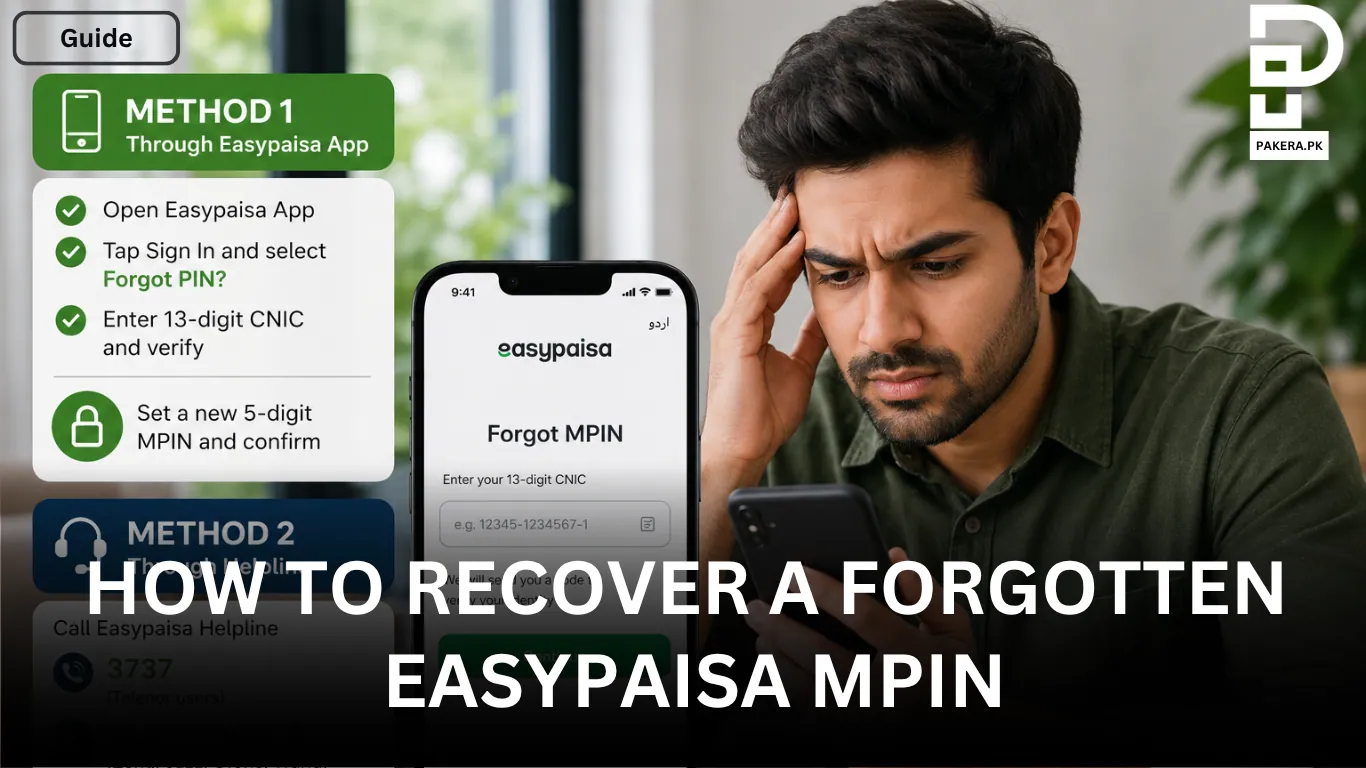
Open the Easypaisa app and tap Sign In. On the login screen, select Forgot PIN? You will then be asked to enter your 13-digit CNIC number. After entering your CNIC, complete the required verification process.
Once your identity has been verified, you can create a new 5-digit MPIN. Enter the new MPIN, confirm it, and your account will be ready to use again.
This method usually takes only a few minutes and is the quickest way to regain access to your account.
Reset Your MPIN Through the Easypaisa Helpline
If you cannot access the Easypaisa app, you can reset your MPIN by contacting Easypaisa customer support.
If you are calling from a registered Telenor number, dial 3737. If you are using Jazz, Zong, Ufone, or Warid, call 042-111-003-737.
Follow the automated instructions or choose the option to speak with a customer service representative.
Identity Verification
Before resetting your MPIN, the customer support representative will verify your identity. You may be asked a few security questions related to your Easypaisa account.
Once your identity has been successfully verified, the representative will help you reset your MPIN so you can access your account again.
Tips to Keep Your MPIN Secure
After resetting your MPIN, choose a unique 5-digit PIN that is difficult for others to guess. Avoid using obvious combinations such as your birth year, repeated digits, or simple sequences.
Never share your MPIN with anyone, and change it immediately if you suspect someone else knows it.
Frequently Asked Questions
What should I do if I forgot my Easypaisa MPIN?
Can I reset my Easypaisa MPIN without the app?
What information is required to reset my MPIN?
How long does it take to recover a forgotten Easypaisa MPIN?
Conclusion
Recovering a forgotten Easypaisa MPIN is simple whether you use the Easypaisa app or contact customer support. The mobile app offers the quickest solution, while the helpline is a reliable alternative if you cannot access the app. After resetting your MPIN, choose a secure PIN and keep it confidential to protect your Easypaisa account.
About the author

Author
Fajr Riaz is a well-talented author at Pakera.pk with expertise in creative content creation/writing and storytelling. Fajr's strength lies in creating engaging articles, detailed guides, and straight narratives that connect with readers and give meaningful insights. With her accurate attention to detail and passion for writing, Fajr has established herself as a pivotal pillar at Pakera and is invaluable.



