
How to Reset a Forgotten Jazz Cash MPIN
Reset your forgotten JazzCash MPIN using the app, USSD code, or customer support. Follow these simple steps to regain access today.
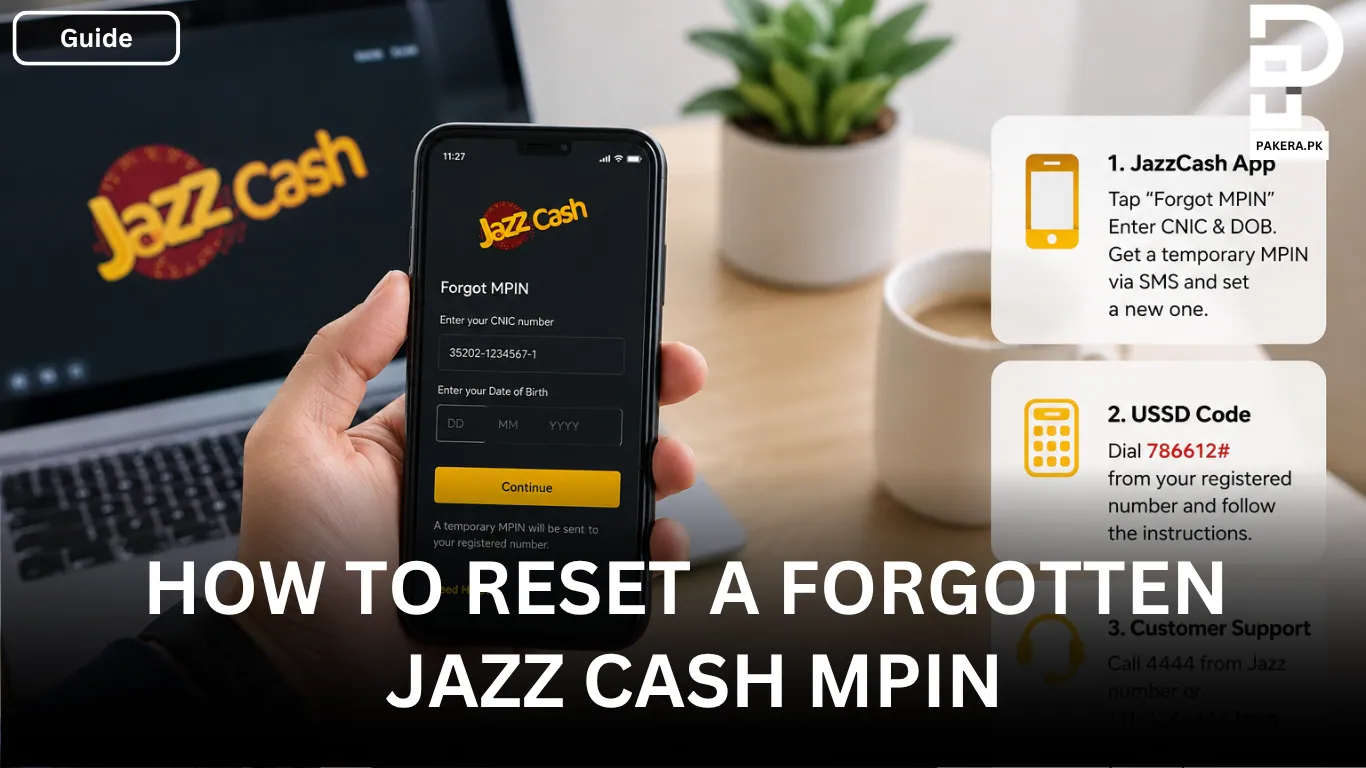
Forgetting your JazzCash MPIN can be frustrating, especially when you need to access your account or complete an urgent transaction. Fortunately, JazzCash provides multiple ways to reset your MPIN quickly and securely, so you can regain access without visiting a service center.
Whether you prefer using the JazzCash mobile app, a USSD code, or contacting customer support, the process is straightforward. Below, you'll find the available methods to reset a forgotten JazzCash MPIN.
Reset Your JazzCash MPIN Using the Mobile App
The easiest and fastest way to reset your forgotten MPIN is through the JazzCash mobile app.
On the login screen, tap the Forgot MPIN option. You will be asked to verify your identity by entering your CNIC number and Date of Birth. After successful verification, JazzCash will send a temporary 4-digit MPIN to your registered mobile number via SMS.
Use this temporary MPIN to log in to your account, and you'll be prompted to create a new MPIN of your choice.
Why Use the Mobile App?
Resetting your MPIN through the app is convenient because the entire process can be completed within a few minutes without needing to contact customer support.
Reset Your JazzCash MPIN Using the USSD Code
If you don't have access to the JazzCash app, you can also reset your MPIN using a USSD code.
Simply dial 786612# from your registered JazzCash mobile number and follow the on-screen instructions. The system will guide you through the verification process and help you reset your forgotten MPIN.
This method is useful for users who have a basic phone or cannot access the internet.
Contact JazzCash Customer Support
If you're unable to reset your MPIN using the app or the USSD method, you can contact JazzCash customer support for assistance.
You can reach JazzCash by:
- Dialing 4444 from a Jazz number.
- Calling 111-124-444 from any other mobile network.
The customer support team will verify your identity and help you regain access to your account.
Frequently Asked Questions
Can I reset my JazzCash MPIN without the mobile app?
Will I receive a temporary MPIN after verification?
What should I do if I don't receive the SMS?
Can I reset my MPIN from another mobile number?
Conclusion
If you've forgotten your JazzCash MPIN, there's no need to worry. You can reset it easily through the JazzCash mobile app, the USSD code, or by contacting customer support. Choose the method that's most convenient for you, complete the verification process, and create a new secure MPIN to regain access to your JazzCash account.
About the author

Author
Fajr Riaz is a well-talented author at Pakera.pk with expertise in creative content creation/writing and storytelling. Fajr's strength lies in creating engaging articles, detailed guides, and straight narratives that connect with readers and give meaningful insights. With her accurate attention to detail and passion for writing, Fajr has established herself as a pivotal pillar at Pakera and is invaluable.



