
How to Share Balance on Zong
Dial *828#, enter number & amount. Send Zong balance instantly for prepaid users up to 200 PKR daily. Use code now. Dial *828# now. Act fast. ok
Introduction
If you are a Zong user, sharing mobile balance with friends or family is a very simple and useful feature. It helps in situations when someone urgently needs credit for calls, messages, or mobile data and cannot recharge immediately.
Zong has made this process quick and accessible through a USSD code, so you don’t need internet or any app to use it. In just a few steps, you can transfer balance from your prepaid account to another Zong number. However, there are certain limits and conditions you should know before using the service.
In this guide, I’ll walk you through how balance sharing works on Zong, what limits apply, and important things you should keep in mind.
How to Share Balance on Zong
Sharing balance on Zong is done through a simple USSD menu system. You don’t need any mobile app or internet connection for this process.
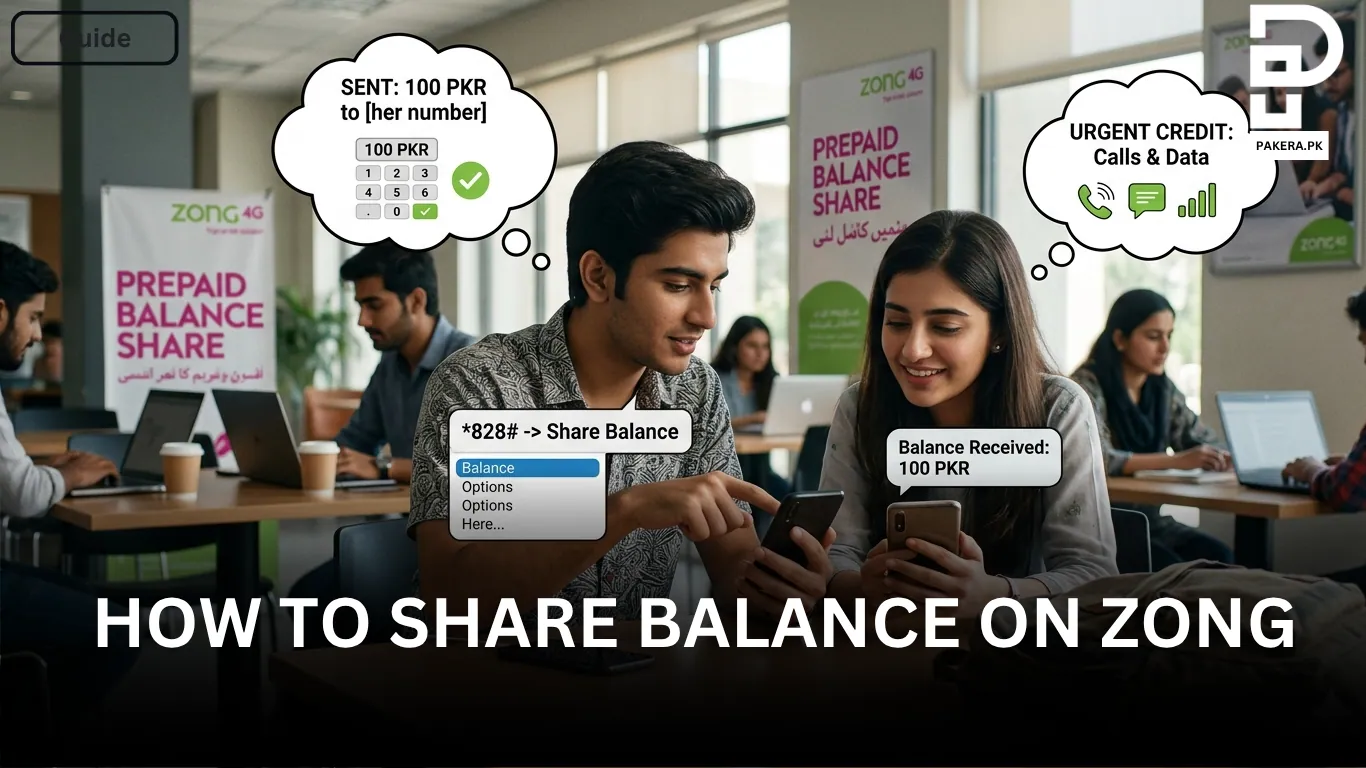
To begin, dial *828# from your Zong SIM. After dialing, a menu will appear on your screen where you will be guided step by step.
Once the menu opens, you will be asked to enter the recipient’s Zong number. Make sure you enter the correct number because once the transfer is confirmed, it cannot be reversed.
After that, you will be asked to enter the amount you want to share. You simply type the desired amount and confirm the transaction. If everything is correct, your balance will be transferred instantly.
Important Conditions and Limits
Before using this service, it is important to understand the rules set by Zong.
Balance sharing is only available for prepaid Zong users. Postpaid users cannot use this feature.
The minimum amount you can transfer is 10 PKR, while the maximum amount per transaction can go up to 200 PKR. There is also a daily limit of 200 PKR, so you cannot exceed this total in a single day.
In addition, you can perform a maximum of 5 transfers per day. Service charges may also apply depending on the transaction, and these charges can vary over time.
Tips for Using Balance Sharing Safely
Always double-check the recipient number before confirming the transfer. A small mistake in the number can send your balance to the wrong person.
It’s also a good idea to keep track of your daily transfers so you don’t exceed the limit unknowingly. Since service charges may apply, make sure you are aware of the deduction before completing the transaction.
Frequently Asked Questions
How can I share balance on Zong?
Is balance sharing available for all Zong users?
What is the minimum and maximum balance transfer limit?
How many times can I share balance in a day?
Are there any charges for balance sharing?
Conclusion
Sharing balance on Zong is a quick and helpful feature, especially in emergencies when someone needs immediate credit. With a simple USSD code like *828#, you can easily transfer balance within seconds. Just make sure to follow the limits and double-check the details before confirming the transfer to avoid any mistakes.
About the author

Author
Ali Akhtar is a young and curious voice here at Pakistan Era. He is currently pursuing his A-Levels and has a growing interest in Pakistan’s changing industrial landscape and educational trends. Ali likes to write in a way that helps him explain and explore the world around him. His writing reflects the perspective of the new generation navigating the evolving trends of Pakistan where technology, youth innovation, and shifting opportunities are reshaping the country’s future.



