
Change SIM Network in Pakistan in 4 Steps
Want to Change your SIM number to another network in Pakistan · 1. Text MNP to 667 · 2. Send CNIC to new network · 3. visit franchise
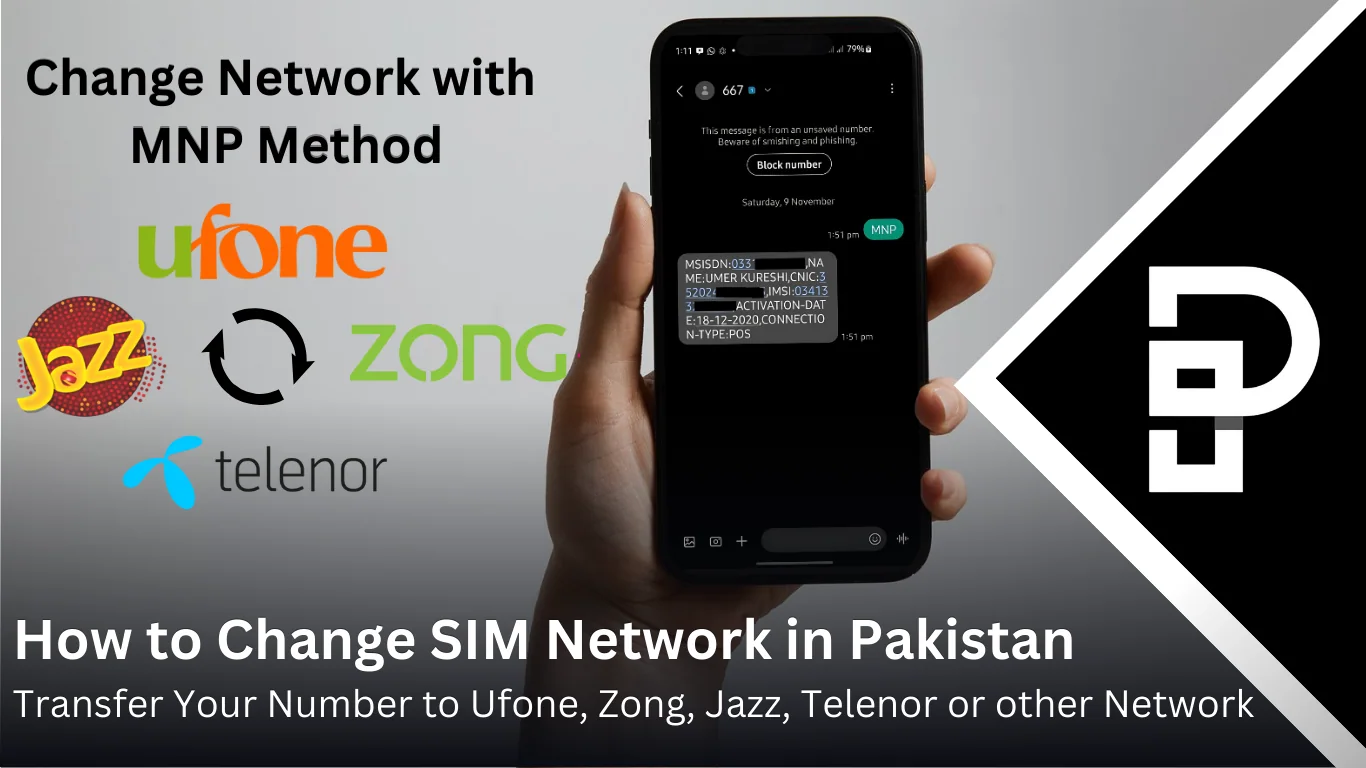
Are you unhappy with your mobile service? the signals are weak, or the packages are too expensive. In Pakistan, you can change to a different mobile network without losing your current number sim. This is called Mobile Number Portability (MNP). It ss a simple way to get better service, faster internet, and cheaper plans.
In a Hurry to Switch SIM Network in Pakistan? Follow These Steps:
- Text MNP to 667. Get SIM details via reply.
- Send CNIC and SIM details to your chosen network: Ufone: 76333, Jazz: 76300, Zong: 76313, Telenor: 76345.
- Visit chosen network’s franchise with CNIC and current SIM.
- New SIM will be activated in 3 4 days.
Read on to learn transfer charges, benefits and more.
Why Trust Pakera.pk?
At Pakistan Era, we share information that’s true and clear. Everything is properly checked before we publish, so you can trust what you read. Our goal is to keep things simple and reliable, making sure you get the best and most accurate facts to make the best decision!
Why Change Your SIM Network?
Here are some reasons why people switch their mobile networks:
- Better Signals
- Cheaper Plans
- Special Offers
- Faster Internet
Process to Change Your SIM Network
Follow these steps to change SIM network:
1. Send MNP Request:
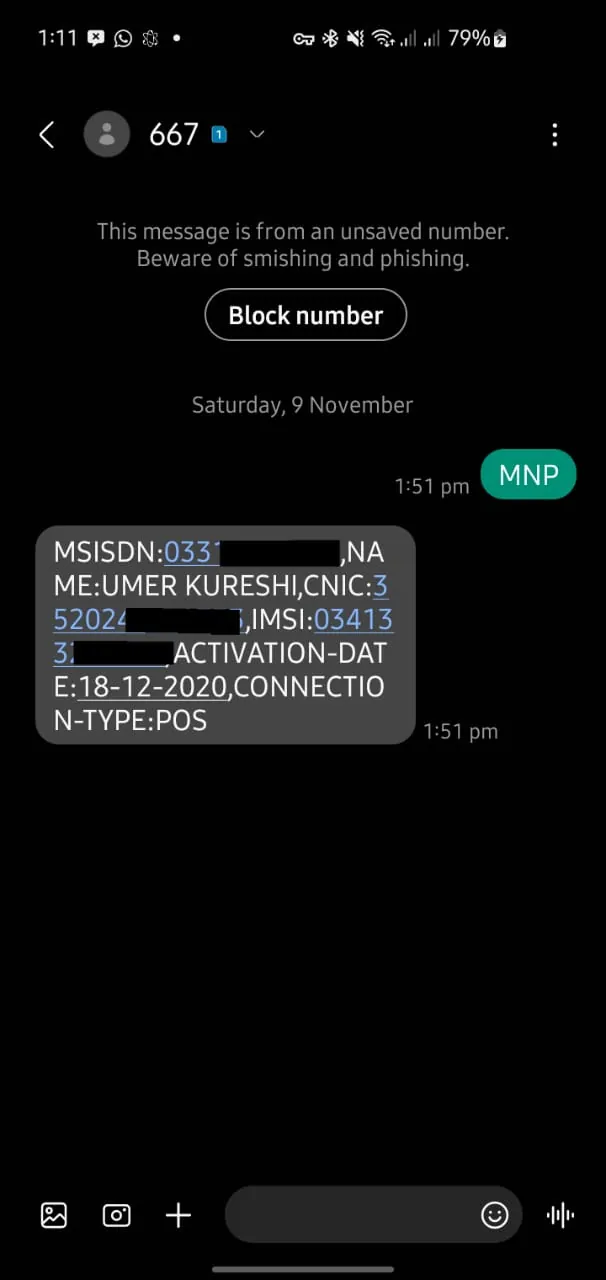
- Open the messaging app on phone.
- Type MNP and send it to 667.
- Get a reply with SIM details.
2. Share Information with New Network:
Send CNIC number and details to the code of the new network.
- For Ufone, send to 76333.
- To transfer to Jazz, send to 76300.
- For Zong, send to 76313.
- To change your network to Telenor, send to 76345.
3. Visit the New Network’s Office:
Take CNIC and SIM card to their franchise or office.
4. Activate Your New SIM:
Your new SIM will start working in 3 to 4 days. Until then, your old SIM will keep working.
Join Our Whatsapp Channel to stay informed and updated.
How to Transfer SIM Number to Ufone
To transfer your phone number to Ufone, please follow the methods below.
- Send sms to 667 and type MNP.
- Forward the details to 76333.
- Visit a Ufone office with your CNIC and SIM card.
- Activate and enjoy free balance and internet for new users!
Note: After transferring to Ufone, try the Ufone Nayi Sim Offer to get free data, minutes, and SMS.
Switch Sim Number to Jazz
To switch your existing mobile number to Jazz, please follow the steps below.
- Send MNP to 667 via sms.
- Send details to 76300.
- Go to a Jazz franchise with your CNIC.
- Jazz charges a small fee (Rs. 60 to 75). Jazz give welcome offers like free calls!
How to Move Network to Zong
Move your existing mobile number to Zong by the following methods mentioned below
- Send sms with MNP to 667.
- Share your details with 76313.
- Visit the Zong franchise with your CNIC and current SIM.
- Get bonuses like free data and minutes for new Zong users.
Note: You can deactivate your Zong SIM at any time if it's not in use.
How to Transfer Number to Telenor
- Send MNP to 667.
- Send your CNIC number to 76345.
- Visit the nearest Telenor office.
- New users get free minutes, internet, and other perks.
Can You Change Your SIM Network Online?
You cannot fully switch networks online in Pakistan. You can start the process online with some networks, but you must visit their office to complete it.
Benefits of Changing SIM Network in Pakistan
- Custom Plans
- No New Number Needed
- Improved Connectivity
- Special Offers
Mobile Networks Comparison in Pakistan
Changing your SIM network? Here is a quick look at what Ufone, Jazz, Telenor, and Zong offer to help you decide.
| Feature | Ufone | Jazz | Telenor | Zong |
|---|---|---|---|---|
| Price | Affordable plans | Medium to high | Budget-friendly | Good value |
| Packages | Great for calls | Lots of bundles | Flexible options | Best for internet |
| Signal Strength | Strong in cities | Reliable signals | Improving signals | Excellent coverage |
| Internet Speed | Good for browsing | Fast for all uses | Fine for social media | Super-fast for gaming |
| Customer Help | Easy to contact | Great support | Helpful helpline | Quick response |
Which Network to Choose?
- Ufone: Cheap plans, great for calls.
- Jazz: Strong signals, many bundles.
- Telenor: Flexible plans for towns.
- Zong: Best for fast internet and gaming.
Pick the one that suits you best!
Quick FAQs
Q: How to port a number in Pakistan?
Q: Can I keep my number after switching?
Q: How to convert Jazz SIM to Ufone?
Q: How much does it cost?
Q: Do i get a new sim card with network transfer?
Q: Can i transfer SCOM number to other network?
Q: Can I transfer my number to Onic?
Q: Can i transfer my existing SIM number to SCOM?
About the author

Author
Shahid joined us in 2024 as an author. He is a senior contributor to Pakistan's leading technology websites. He writes detailed articles, mostly covering his expertise in the latest tech, mobiles, apps, gadgets, and step-by-step guides. His ideology is to help people understand the latest trends and explain complex methods through very easy-to-understand guides.



