
Ufone Unsubscribe Code: How to Stop Any Package in 2026
Every Ufone unsubscribe code in one place. Stop internet, SMS, call and Super 5 packages in under a minute, and check what is still active on your SIM.

Your balance drops by Rs 15 at 3 in the morning and you never touched the phone. That is a subscription renewing quietly in the background, and the Ufone unsubscribe code for it is usually four digits and a keyword. Most people never learn which one, so they keep paying.
Ufone carried 29.90 million subscribers as of April 2026 according to Pakistan Telecommunication Authority indicators. A big share of those numbers have at least one bundle set to auto renew. Some were activated on purpose. Plenty were activated by a mis-dial, a promotional SMS, or a "press 1 to continue" that nobody read properly.
This page lists the working codes, sorted by the type of package you are trying to kill, plus the one code that clears every call bundle at once.
What is the fastest way to unsubscribe a Ufone package?
Dial *706# to see what is active, then send the word UNSUB to that package's short code. For call bundles, *43# cancels all of them in one go. Both work on prepaid without any data connection.
That two-step order matters. Firing off UNSUB messages blindly wastes your time because each bundle answers to its own short code, and a code for the Daily Mega internet bundle does nothing to a monthly SMS bundle. Check first, then cancel what the list actually shows.
If the balance keeps sliding after that, the culprit is usually a value-added service rather than a data or minutes bundle. Those hide behind separate keywords, and I have covered them further down.

How do you check which Ufone packages are active on your number?
Dial *706# from your Ufone SIM. Within a few seconds you get an SMS listing every active bundle, its remaining resources and its expiry. The UPTCL app shows the same list under Active Subscriptions if you prefer a screen to a text.
Read that SMS carefully before you cancel anything. It is the only place Ufone tells you the exact bundle name, and the name is what maps to the right short code in the tables below.
Two things worth noting. Subscriptions you activated through a promotional SMS sometimes appear under a name you do not recognise. And a bundle that expired yesterday can still show up if auto renewal is on, which is exactly the state that empties a balance overnight.
Want to confirm the damage first? Our guide on how to check your Ufone balance covers the balance codes, and checking remaining MBs, minutes and SMS tells you whether a bundle is worth keeping before you cancel it.
What are the Ufone unsubscribe codes for SMS packages?
Send UNSUB to 605 for the daily SMS bundle, 603 for the fortnightly bundle and 506 for the monthly bundle. Ufone replies with a confirmation message. If no confirmation arrives within five minutes, send it again.
SMS bundles are the ones people forget about most. They cost little individually, which is precisely why they survive for months without anyone noticing.
| SMS package | Unsubscribe method |
|---|---|
| Daily SMS Package | Send UNSUB to 605 |
| Fortnightly SMS Package | Send UNSUB to 603 |
| Monthly SMS Package | Send UNSUB to 506 |
One catch. Cancelling stops the next renewal but does not refund the current cycle. If you cancel on day two of a monthly bundle, you keep the SMS allowance until the cycle ends and simply stop paying after that.
How do you unsubscribe Ufone internet packages?
Every Ufone data bundle has its own short code. Send UNSUB to the number matching your bundle: 7810 for Daily Light, 7807 for Daily Mega, 7808 for Daily Heavy, 7814 for Weekly Internet Plus, 7819 for Monthly Super Internet.
The Daily Light bundle also responds to *2256#, which is the code a lot of people search for by itself. Both routes do the same job. Use whichever you remember.
Daily internet bundles
- Daily Light Internet: send UNSUB to 7810, or dial *2256#
- Daily Mega Internet: send UNSUB to 7807
- Daily Heavy Internet: send UNSUB to 7808
- Daily Social Package: send UNSUB to 7811
- 1 AM to 9 PM Internet Offer: send UNSUB to 7815
Weekly internet bundles
- Weekly Internet Plus: send UNSUB to 7814
- Weekly Light Internet: send UNSUB to 7813
Monthly internet bundles
- Monthly WhatsApp Package: send UNSUB to 7816
- Monthly Special Internet: send UNSUB to 7818
- Monthly Super Internet: send UNSUB to 7819
Daily bundles are the expensive habit here. A Rs 20 daily package that renews for a month costs more than the monthly bundle covering the same data. If you are running a daily package out of inertia, cancel it and price the monthly option instead. Our breakdown of free MBs on Ufone covers the promotions worth using in between.
How do you stop all Ufone call packages at once?
Dial *43#. That single code cancels every active call package and call waiting service on the number, which saves you hunting for individual short codes. Ufone confirms by SMS, usually within a minute of the request.
If you would rather keep one bundle and drop another, cancel them individually instead.
| Call package | Unsubscribe method |
|---|---|
| All call packages and call waiting | Dial *43# |
| 2 Hour Call Package | Dial *3431# or send UNSUB to 4603 |
| Daily Call Package | Send UNSUB to 4601 |
| Weekly Call Package | Send UNSUB to 4606 |
| Super Sasta Package | Dial *460# |
People on group calls should stop before using *43#. Cancelling everything also takes out the bundle that makes Ufone conference calling affordable, and re-subscribing costs the full activation charge again.
How do you unsubscribe Ufone special offers like Nayi SIM and Super 5?
Special offers use their own keywords. Send UNSUB to 3033 for the Nayi SIM offer and 3031 for the Snapchat offer. The free WhatsApp package is cancelled by dialling *987# and following the menu prompt.
These are the bundles that arrive attached to a new connection. You buy a SIM, an offer is bolted on at activation, and eleven months later it is still renewing.
- Dial *706# and find the offer by name in the reply SMS.
- Send the matching UNSUB keyword, or dial the code listed for that offer.
- Wait for the confirmation SMS, then dial *706# once more to verify the offer has gone.
- If it still appears after an hour, call 333 and ask an agent to remove it from the backend.
The Ufone Super 5 offer and the Ufone new SIM offer both have their own cancellation routes documented in full on their own pages, because each has terms the generic codes do not cover.
Can you unsubscribe Ufone packages from the UPTCL app?
Yes. Open the UPTCL app, formerly called My Ufone, log in with your number, tap Active Subscriptions, then tap the bundle you want gone and confirm. It is the only method that shows you the renewal date before you cancel.
The app route has one clear advantage over short codes: you can see the whole list at once, including services that never show up cleanly in the *706# reply.
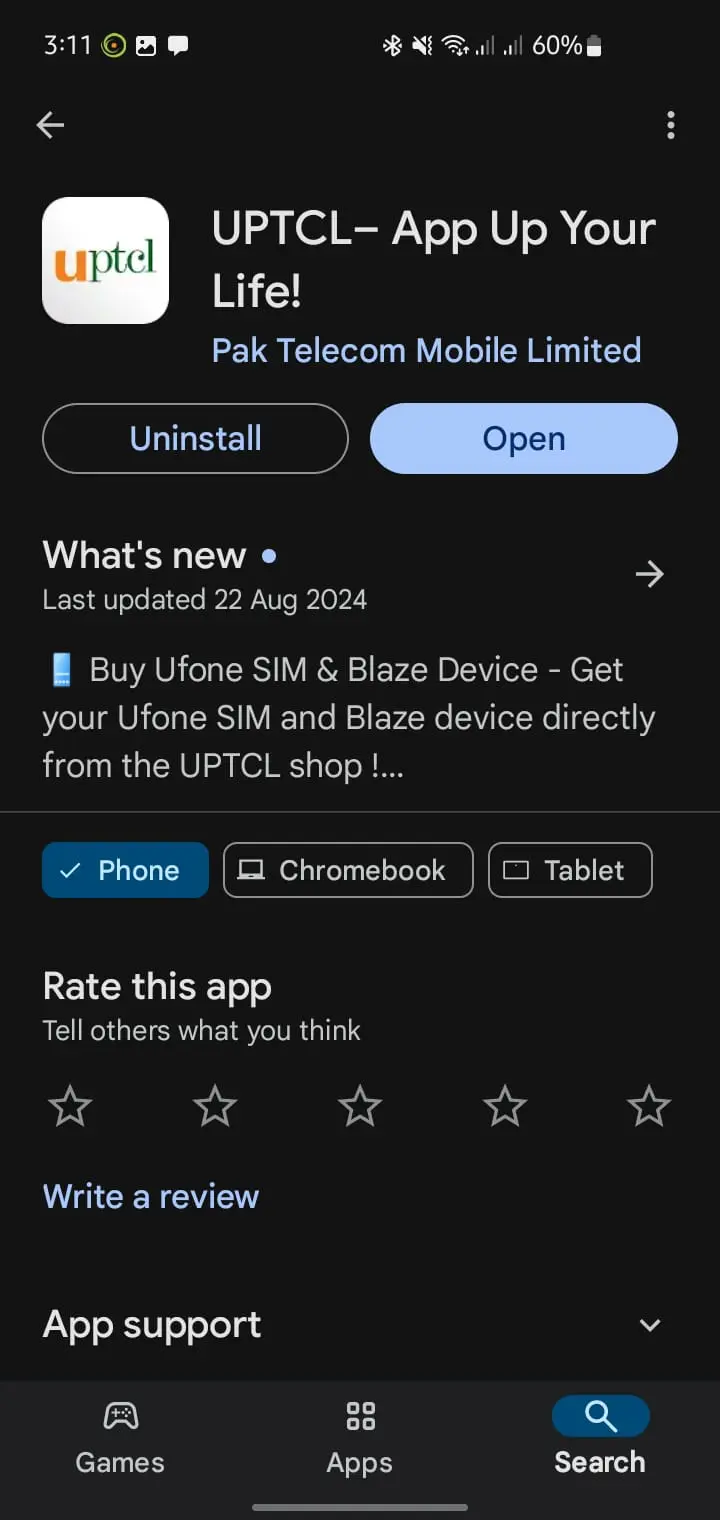
It also has an obvious drawback. You need data or Wi-Fi to log in, and if a runaway package has already drained your balance you may not have either. Keep the short codes as your fallback. The full UPTCL app guide walks through installation and login if the app is new to you.
How do you cancel a package on a Ufone postpaid number?
Postpaid bundles cannot always be stopped with a short code. Call 333 from your Ufone number, or 051 111 333 333 from any other line, and ask the representative to remove the add-on from your billing profile. Get the reference number before you hang up.
Postpaid works differently because the bundle sits on your monthly bill rather than deducting from a balance. The change usually takes effect from the next billing cycle, not immediately, so a charge on the current bill is normal and not a failed cancellation.
Ask the agent two questions while you have them: which cycle the removal applies from, and whether any pro-rata charge remains. Those two answers save the argument later. If you are moving between plans entirely, our guide on converting Ufone prepaid to postpaid covers what carries over.
Why does Ufone keep deducting balance after you unsubscribe?
Three things cause it: a value-added service that is separate from your bundle, a second bundle you did not notice in the *706# list, or pay-as-you-go usage now that the bundle is gone. The last one surprises people most.
Once a data bundle is cancelled, background app traffic starts billing at standard rates. Your phone syncs email, an app updates itself, and the balance falls without you opening anything. That is not a hidden subscription. That is your data being charged per megabyte.
Turning on the Ufone balance save service with *6611# blocks that. It stops standard-rate deductions when you have no active bundle, which is the single most useful thing you can do after cancelling a package.
Still unexplained? Dial 333 and ask for a deduction history. Ufone can list what was charged and when, and the agent can reverse charges made after a confirmed cancellation.
Full Ufone unsubscribe code list for 2026
Here is every code on one screen. Keep this table for the next time a bundle renews itself without asking. Codes are dialled from the Ufone number itself and none of them cost anything to send.
| What you want to stop | Code or keyword | Send to |
|---|---|---|
| Check every active subscription | *706# | Dial |
| All call packages and call waiting | *43# | Dial |
| Daily SMS package | UNSUB | 605 |
| Fortnightly SMS package | UNSUB | 603 |
| Monthly SMS package | UNSUB | 506 |
| Daily Light internet | UNSUB or *2256# | 7810 |
| Daily Mega internet | UNSUB | 7807 |
| Daily Heavy internet | UNSUB | 7808 |
| Daily Social package | UNSUB | 7811 |
| 1 AM to 9 PM internet offer | UNSUB | 7815 |
| Weekly Light internet | UNSUB | 7813 |
| Weekly Internet Plus | UNSUB | 7814 |
| Monthly WhatsApp package | UNSUB | 7816 |
| Monthly Special internet | UNSUB | 7818 |
| Monthly Super internet | UNSUB | 7819 |
| 2 Hour call package | UNSUB or *3431# | 4603 |
| Daily call package | UNSUB | 4601 |
| Weekly call package | UNSUB | 4606 |
| Super Sasta package | *460# | Dial |
| Nayi SIM offer | UNSUB | 3033 |
| Snapchat offer | UNSUB | 3031 |
| Free WhatsApp package | *987# | Dial |
| Stop standard-rate deductions | *6611# | Dial |
| Speak to an agent | 333 | Call |
How do you stop packages activating by accident in the first place?
Turn off auto renewal when you subscribe, ignore the "press 1" prompts in promotional calls, and dial *706# once a month as a habit. Those three things prevent almost every unwanted charge people write in about.
Promotional SMS messages are the usual entry point. A message offers a bundle, you reply to what looks like a harmless keyword, and the subscription is live. Read the sender short code before replying to anything offering free data.
The monthly *706# check takes fifteen seconds. Do it on the first of the month alongside your balance check and you will catch a runaway bundle in its first cycle rather than its twelfth.
Users on other networks face the same problem with the same fix. We keep parallel guides for unsubscribing Jazz packages, Zong packages and Telenor packages, and the check-first principle applies to all four networks.
Frequently asked questions about Ufone unsubscribe codes
What is the Ufone all packages unsubscribe code?
There is no single code that removes every bundle type. *43# cancels all call packages and call waiting in one action, and *706# lists everything else so you can cancel data and SMS bundles individually.
What is the 2256 Ufone unsubscribe code?
Dialling *2256# cancels the Daily Light internet bundle. Sending UNSUB to 7810 does exactly the same thing. People search for 2256 because it is printed in the subscription confirmation SMS.
How do I unsubscribe a Ufone family package?
Family and shared bundles are managed from the primary number. Dial *706# on that number to confirm the bundle name, then call 333 and ask the agent to remove it, because shared bundles rarely respond to a keyword.
Does unsubscribing from a Ufone package cost money?
No. UNSUB messages and USSD cancellation codes are free. You are not refunded for the unused portion of the current cycle, but nothing is charged for the cancellation itself.
How long does a Ufone unsubscribe request take?
Usually under five minutes for prepaid bundles. Postpaid add-ons removed through the 333 helpline apply from your next billing cycle, so the current month's bill still shows the charge.
Why did my package come back after I unsubscribed it?
Auto renewal was still on, or the cancellation never completed because the confirmation SMS was not received. Dial *706# to verify, and if the bundle is still listed, call 333 and have it removed manually.
Can I unsubscribe Ufone packages without balance?
Yes. USSD codes such as *706# and *43# work at zero balance, and UNSUB messages to Ufone short codes are free. Only the UPTCL app needs data or Wi-Fi.
About the author

Administrator
Umer Kureshi is the Lead Administrator with a strong background in technology and digital marketing. As the Lead Administrator, and Writer at Pakera.pk, Umer manages the website operations, optimizes website content and writes engaging guides on technology and current events happening in Pakistan.



